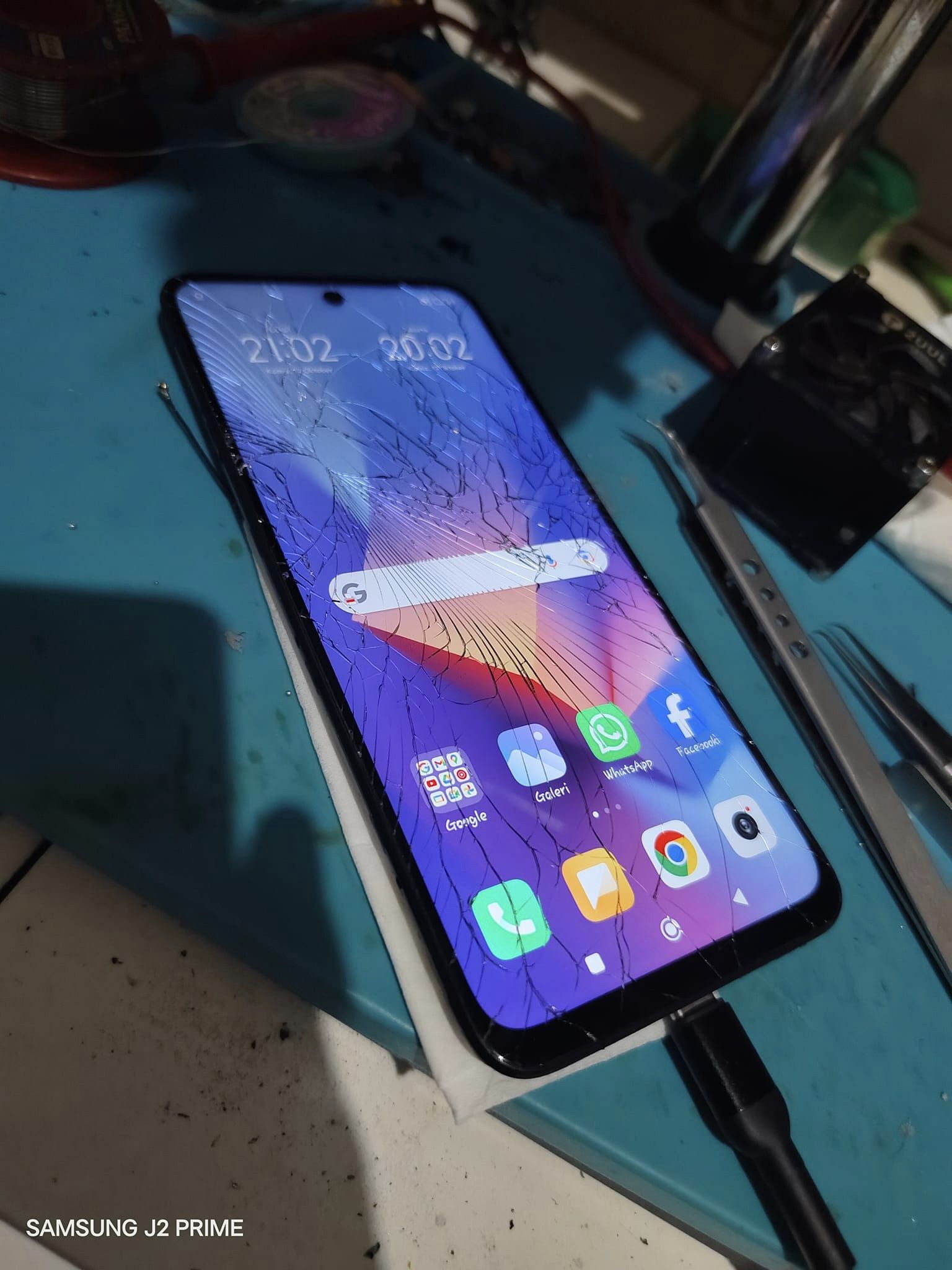
File Backup Redmi 10 2022 Selene 64GB merupakan tested backup file yang diambil dari perangkat normal condition dan dibuat menggunakan UnlockTool. File ini sangat efektif untuk menangani bootloop stuck at dotted logo, terutama setelah failed Global / CSC flashing.
Backup file ini dapat digunakan untuk proses flashing / restore agar sistem kembali normal and stable, tanpa perlu melakukan full firmware installation from scratch.
📌 Kegunaan File Backup Redmi 10 2022 Selene
- Fix bootloop at dotted logo
- Repair failed Global / CSC flashing
- Recover system from software corruption
- Used for system restore after flashing error
🔍 Check Device Codename Before Flashing
Sebelum melakukan flashing / restore, pastikan device codename sesuai agar proses aman dan tidak salah file.
🛠️ Steps to Check Codename
1️⃣ Masuk ke Fastboot Mode.
2️⃣ Buka CMD / Minimal ADB & Fastboot di PC.
3️⃣ Ketik perintah berikut:
fastboot devices
fastboot getvar product
4️⃣ Tekan Enter setelah setiap perintah.

🔧 Cara Write File Backup Redmi 10 2022 (Selene)
Ikuti step-by-step guide berikut untuk proses flashing / restore menggunakan file backup Redmi 10 2022 Selene.
1️⃣ Backup NV (NVRAM + NVDATA) or perform full backup as a precaution.
2️⃣ Open a supported flashing tool (UnlockTool, Pandora, AMT, etc.).
3️⃣ Load the Scatter file into the tool.
4️⃣ Enable “Format & Repartition” option to clean old partitions.
5️⃣ Check all partitions, then click Flash.
6️⃣ Press Volume Up + Volume Down, then connect USB cable until the device is detected as Preloader in Device Manager.
7️⃣ Wait until the flashing process is completed.
8️⃣ Restore NV backup to recover IMEI & network.
9️⃣ If using an eMMC with different capacity (not 64GB), resize the partition so the internal storage is detected correctly.
⚠️ Important Note:
Pastikan device codename = Selene sebelum flashing untuk menghindari bootloop atau hard brick.
📥 Link Download File Backup Redmi 10 2022 Selene
🔗 Scatter Backup Redmi 10 2022 Selene
🔑 Password: jani1306
#Redmi10Dump #SeleneFirmware #Redmi10BootloopFix #FlashingRedmi10 #FirmwareXiaomi #RXTXTech #RepairRedmi10 #UnlockTool #BackupNV #ResizePartition
RXTX juga menyediakan dump file Redmi 12 Fire hasil read UnlockTool untuk membantu teknisi menangani kerusakan software seperti bootloop atau mati total.
Semoga bermanfaat! Jika ada pertanyaan atau kendala, silakan tinggalkan komentar. 🚀🔥
