Realme C31 RMX3501 Dump + IMEI XML – Fix Bootloop, Mati Total

Realme C31 RMX3501 Dump + IMEI

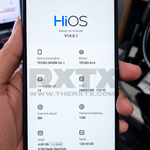
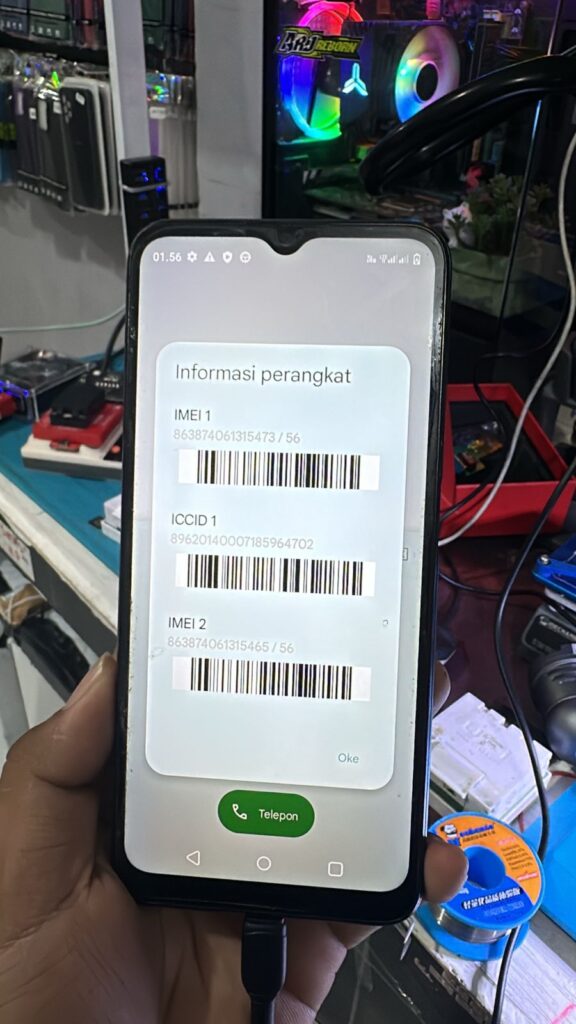
Realme C31 RMX3501 Dump + IMEI Unisoc format XML merupakan file hasil backup dari device normal menggunakan MipiTester Gear 2 dengan internal bawaan 64GB. File ini sudah TESTED di beberapa unit dan sangat berguna untuk menangani berbagai permasalahan software pada Realme C31 chipset Unisoc.

This dump file is currently difficult to find and available exclusively on RXTX. It is designed for professional mobile phone technicians who need a reliable solution for software recovery, partition repair, IMEI restoration, and UFS replacement on the Realme C31.

Karena dump ini berbasis Full Partition XML Backup, seluruh struktur sistem dapat dipulihkan kembali setelah proses write selesai, sehingga perangkat dapat kembali berfungsi normal seperti kondisi awal.


What Can This Dump Fix?

Dump Realme C31 RMX3501 XML + IMEI dapat digunakan untuk mengatasi berbagai masalah berikut:

✅ Bootloop After System Modification

✅ Stuck on Realme Logo

✅ Dead Boot / No Boot

✅ Invalid IMEI

✅ Unknown Baseband

✅ Lost Network Signal

✅ Corrupted Partition Table

✅ OTA Update Failure

✅ System Crash

✅ UFS Replacement Recovery

✅ Software Corruption Repair

Karena file ini merupakan hasil backup full partition dari perangkat normal, struktur firmware dan konfigurasi penting dapat dipulihkan secara lengkap.

📌 Device Information

Realme C31 RMX3501 Dump Details

  • Bonus Feature: IMEI Auto ON
  • Device: Realme C31
  • Model: RMX3501
  • Chipset: Unisoc
  • Backup Format: XML
  • Storage Capacity: 64GB
  • Backup Source: Normal Working Device

Tested Tools:

  • MipiTester Gear 2
  • Easy JTAG Plus
  • Status: ✅ Tested

🔧 How to Write Realme C31 RMX3501 Dump File

Step 1 – Prepare UFS

  • Reset UFS first.
  • Set Ref Clock to 26MHz.

Step 2 – Configure UFS

Use Unisoc Configuration:

  • Lun0 = Maximum Capacity
  • Lun1 = 4MB
  • Lun2 = 4MB

Step 3 – Load XML Dump

  • Open your UFS Tool box.
  • Enter Factory Tab.
  • Select XML Mode.
  • Load the dump folder.
  • Tick all partitions.

Step 4 – Start Writing

  • Click Flash.
  • Wait until the writing process completes.

Step 5 – Final Process

After flashing:

  • Factory Reset
  • Erase FRP
  • Resize / Fix Table if using UFS below or above 64GB

Step 6 – First Boot

  • Reinstall UFS to motherboard.
  • Power on the device.

If the phone continuously restarts:

  • Unlock Bootloader
  • Perform Wipe Data

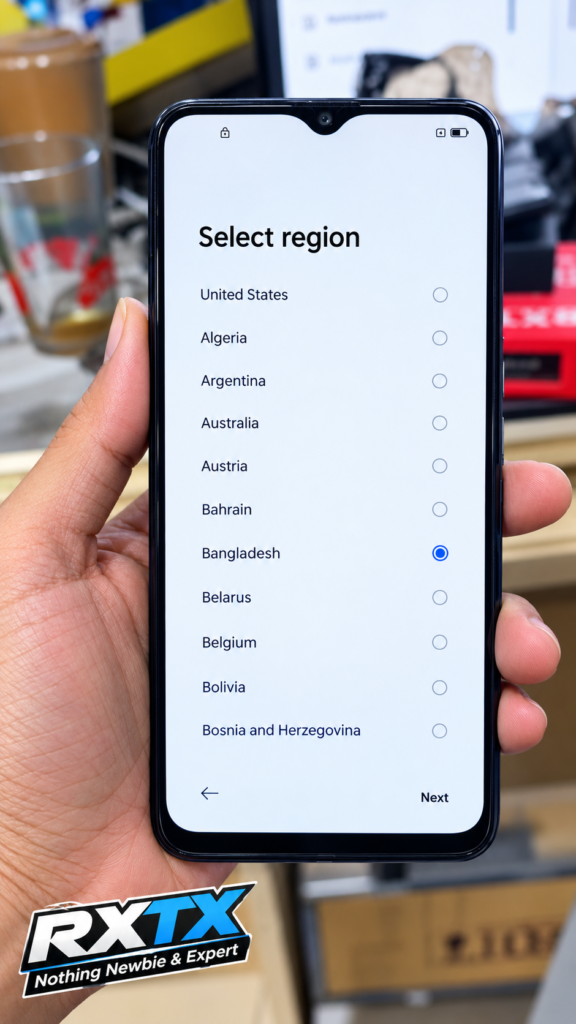
After successful boot, the device should enter the setup menu and IMEI will automatically become active.


Video Ganti UFS Realme C31 RMX3501 dengan MipiTester

Video tutorial penggantian Realme C31 RMX3501 menggunakan MipiTester Gear 2.


🔽 Download Realme C31 RMX3501 Dump + IMEI

⚠️ Informasi Penting

  • Dump ini telah TESTED menggunakan Easy Jtag Plus, JC ID & MipiTester Gear 2 / Plus .
  • Untuk penulisan F64 / Flash64 Box, hasil yang diperoleh Hanya RESTART .
  • Penggunaan pada box lain seperti UFI Box dan Medusa Pro belum dilakukan pengujian (Not Tested) .

Password RaR : jani1306

Setelah pasang UFS akan Hidup Restart, tinggal UBL dan Wipe data

⚠️ Tips Tambahan

  • Jangan skip factory reset
  • Backup NV/IMEI original
  • Pastikan suhu pemasangan UFS stabil
  • Gunakan flux yang bagus agar pemasangan UFS presisi
Realme C31 RMX3501 Dump + IMEI

🎯 Kesimpulan

Dengan Menggunakan Realme C31 RMX3501 Dump + IMEI ini adalah solusi efektif untuk memperbaiki kerusakan software tanpa flashing full firmware. File sudah tested, aman, dan cocok sebagai langkah perbaikan cepat untuk teknisi lapangan maupun laboratorium.

Related Downloads

Looking for more Realme repair resources?

👉 Visit our complete collection:

📂 Realme Dump File Collection

You may also find:

#RealmeC31 #RMX3501 #DumpFile #IMEIAutoON #XMLDump #UnisocDump #UFSRepair #UFSReplacement #RealmeIMEIRepair #BootloopFix #EasyJTAG #MipiTester #MobileRepair #RXTX


⚠️
Penafian

Semua file, firmware, dan panduan di situs ini disediakan untuk tujuan edukasi dan teknisi. Segala risiko seperti kerusakan perangkat atau kehilangan data sepenuhnya menjadi tanggung jawab pengguna.

Leave a Comment

Comments

No comments yet. Why don’t you start the discussion?

Tinggalkan Balasan

Alamat email Anda tidak akan dipublikasikan. Ruas yang wajib ditandai *